
You can see all the locations in your project that use a React component (or a function), by right-clicking its definition and pressing “Go to References”
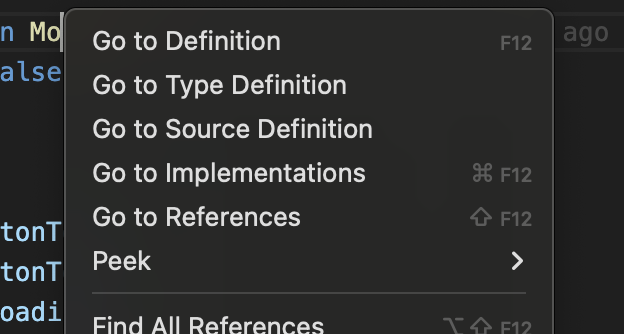
And a shortcut I need to learn to use more often is Shift+F12 for it 🙂
You can see all the locations in your project that use a React component (or a function), by right-clicking its definition and pressing “Go to References”
And a shortcut I need to learn to use more often is Shift+F12 for it 🙂
Leave a Reply